Everything you do in GraftG happens on WhatsApp, but the web dashboard at app.graftg.co.uk is handy for checking invoices, downloading exports and changing settings. Save it to your home screen and it opens full screen from a green G icon, like an app — there is nothing to download from the App Store. These steps are for Safari on an iPhone running a recent version of iOS.
1. Open GraftG in Safari and sign in
Go to app.graftg.co.uk in Safari and sign in. Then open the page you want the icon to start on — your dashboard is a good choice — because the icon opens whichever page you were on when you saved it.
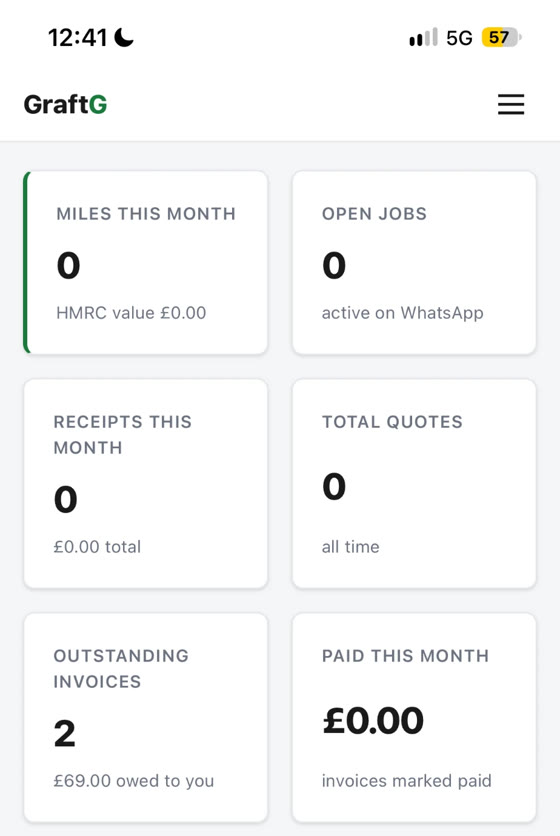
2. Tap the menu button in the address bar
At the bottom of the screen, tap the button with three lines on the left of the address bar. On older iPhones there is a Share button (a square with an arrow pointing up) in the toolbar instead — tap that and skip to step 4.
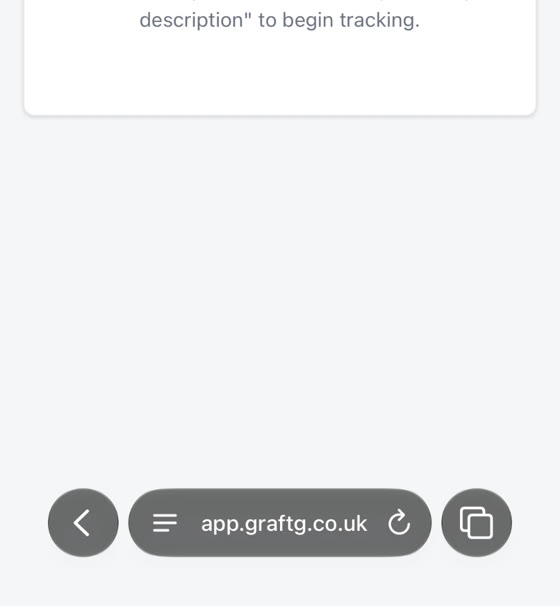
3. Tap Share
A menu opens over the page. Tap Share.
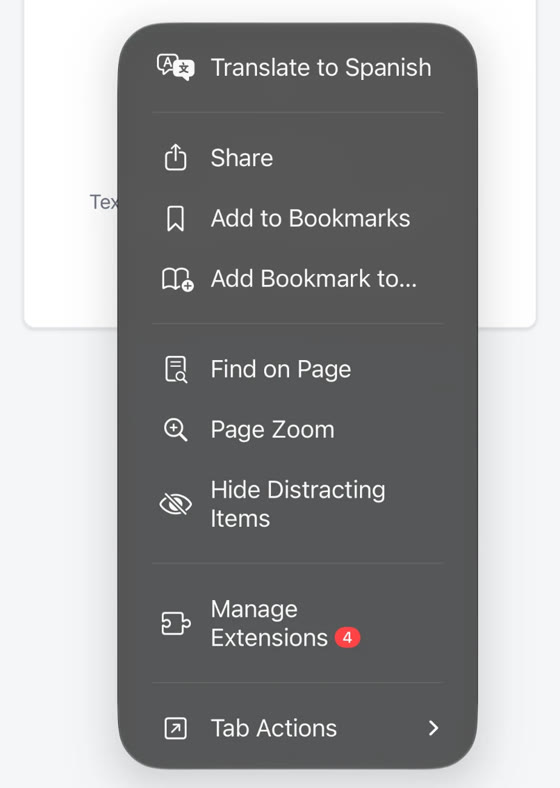
4. Tap Add to Home Screen
In the share sheet, scroll down the list and tap Add to Home Screen. If you cannot see it, tap View More to show the full list.
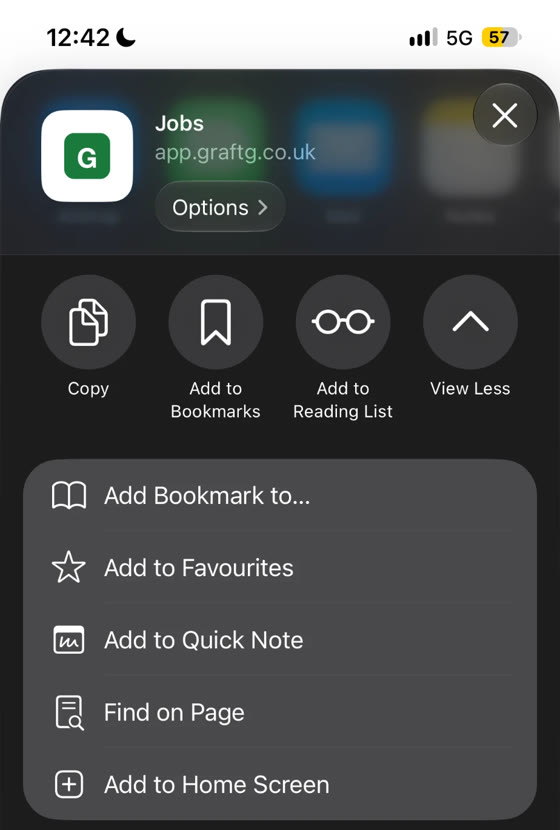
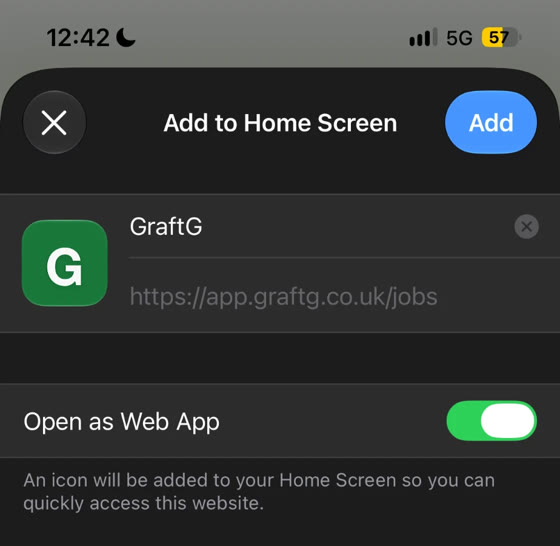
5. Keep Open as Web App on, then tap Add
The name is filled in as GraftG — change it if you like. Leave Open as Web App switched on so it opens full screen without Safari’s address bar, then tap Add in the top-right corner.
6. Open it from your home screen
The green G icon is now on your home screen. Tap it to open your dashboard. You may need to sign in the first time you open it this way.
On Android? See putting GraftG on your Android home screen.
FAQ
Is this a real app?
It is a shortcut to the GraftG web dashboard that opens full screen like an app. There is nothing to install from the App Store and it is always up to date. Your day-to-day admin still happens on WhatsApp.
I do not see Open as Web App
Older versions of iOS do not show that switch. The icon still works — just tap Add.
Can I do this from Chrome on my iPhone?
On recent versions of iOS, yes: open the page in Chrome, tap the Share button and choose Add to Home Screen. The steps on this page are for Safari, which works on every iPhone.
How do I remove the icon?
Press and hold the GraftG icon on your home screen and choose the option to remove or delete it. It does not affect your GraftG account or any of your data.